Pipeline - Free Leads CRM Software

Project Details

Pipeline - Free Leads CRM Software

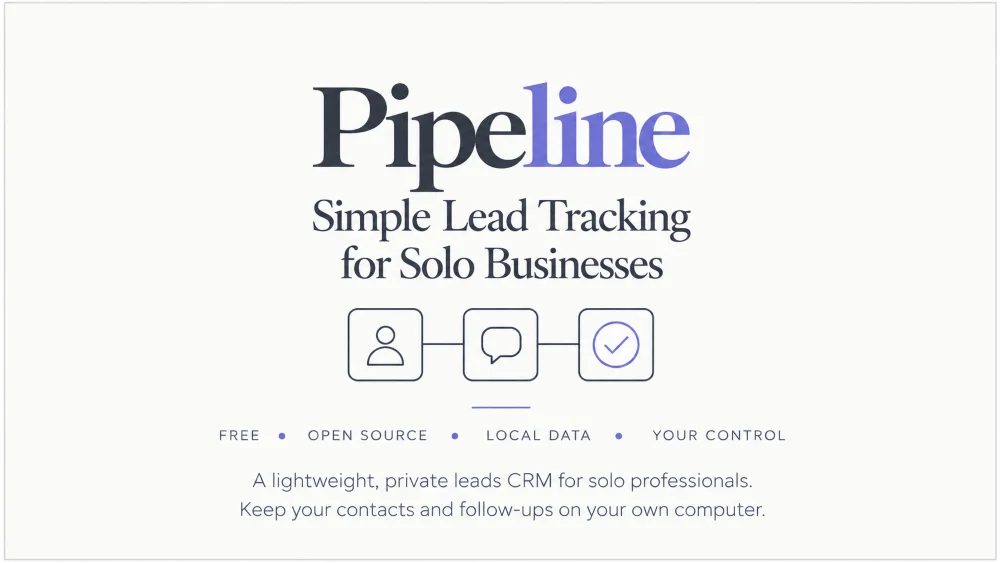
Built Oct 2026. Pipeline is a free, self-hosted leads CRM for solo professionals, with a Windows app and an optional Claude Desktop connector.

Overview

Key takeaways
  • Pipeline is a free, open source leads CRM for one person. It runs on your own computer with no subscription and no cloud account.
  • It tracks contacts through six statuses, schedules three follow-ups per contact and logs every conversation.
  • It comes as a Windows app you unzip and double-click, or as source code that also runs on Mac and Linux.
  • An optional connector lets Claude Desktop look up contacts and add prospects for you to review. You do all the outreach.
  • It started as a personal tool for keeping track of who I had spoken to and who was due a follow-up.

When you find potential customers on several platforms, they are easy to lose. A name in a notes app, a conversation in a direct message, a promise to get back to someone next week. Pipeline came from wanting one small place to keep all of that, without paying for a CRM built for sales teams and without putting other people's details on someone else's server.

I kept it deliberately small. It does not send messages, connect to social networks or scrape websites. It remembers who you have spoken to, what was said and who needs a nudge today.

Pipeline now stands as:

Self-hostedYour computer, your data
£0No subscription
1Owner per install

Built for solo professionals who want a simple, private way to keep their leads in order.

Self check

Is Pipeline right for you?

  1. I find or talk to potential customers across more than one platform.
  2. I would rather keep my contacts on my own computer than in a subscription service.
  3. I am happy to send my own messages and only want a reminder of who to follow up.
  • Probably not yetPipeline is built for one owner on one computer and does not send anything for you. A team CRM may suit you better.
  • Worth a lookRead the technical details below to see if it fits how you work.
  • A good fitPipeline was made for people like you.

Technical Details

Pipeline is a Django application with a server-rendered interface. The Windows app runs the same code in its own window, so there is nothing separate to learn. Your data is a single SQLite file in a data folder on your computer.

What Pipeline is built with

Technology Stack

  • Django 5.2
  • Django REST Framework for a small API
  • SQLite
  • TailwindCSS Version 4, compiled into one stylesheet
  • Adminita for the admin area
  • Waitress and pywebview for the desktop window
  • PyInstaller for the Windows app
  • The MCP Python SDK for the Claude Desktop connector

Core Features

  • Contacts, six statuses, tags and notes
  • Three scheduled follow-ups per contact
  • Conversation log with screenshots
  • Purchases and post-sale check-ins
  • Reports by date range
  • Research pages for pain themes, ads and keywords
  • CSV import and export, with every row checked
  • Optional follow-up email reminders
Safe by default

There is no built-in password. The first start creates a login with a random password, and Pipeline deletes the file that holds it when you change it. Uploaded screenshots are only served to a logged-in user.

Works with Claude Desktop

An optional connector gives Claude 38 tools for reading and adding contacts, follow-ups, purchases and research. It searches public pages only, checks for duplicates and adds prospects as New for you to review.

Guide

Run the Windows app in three steps

  1. Download the appDownload the file that ends in Windows-app.zip from the Pipeline releases page on GitHub.
  2. Unzip the whole folderKeep every file in the folder together.
  3. Double-click Pipeline.exePipeline opens in its own window, with your first login in Notepad.
    Where is the full guide?

    The Pipeline download and setup guide covers your first login, backups and troubleshooting.

Results

Pipeline gives a solo professional one small, private place to keep leads and follow-ups. It removes the subscription, keeps other people's details on your own computer and leaves every message in your hands.

Delivered

Outcomes Achieved

  • A Windows app you unzip and double-click, plus source code for Mac and Linux
  • A random first password and a one-click reset, instead of a default login
  • CSV import that checks every row and reports problems by row number
  • An optional Claude Desktop connector with 38 tools
  • A setup guide, a one-page how to open sheet and the license as PDF and plain text
  • Open source terms that let anyone use and change it
Built with

This page was made using Interactive Content Blocks

The self check, the key takeaways and the checklist on this page come from Interactive Content Blocks: seven ready-made blocks that let readers tick, write, score themselves and keep their progress. One purchase covers every site you own, and your AI assistant writes the blocks from the included skill file.

See Interactive Content Blocks →