Overview
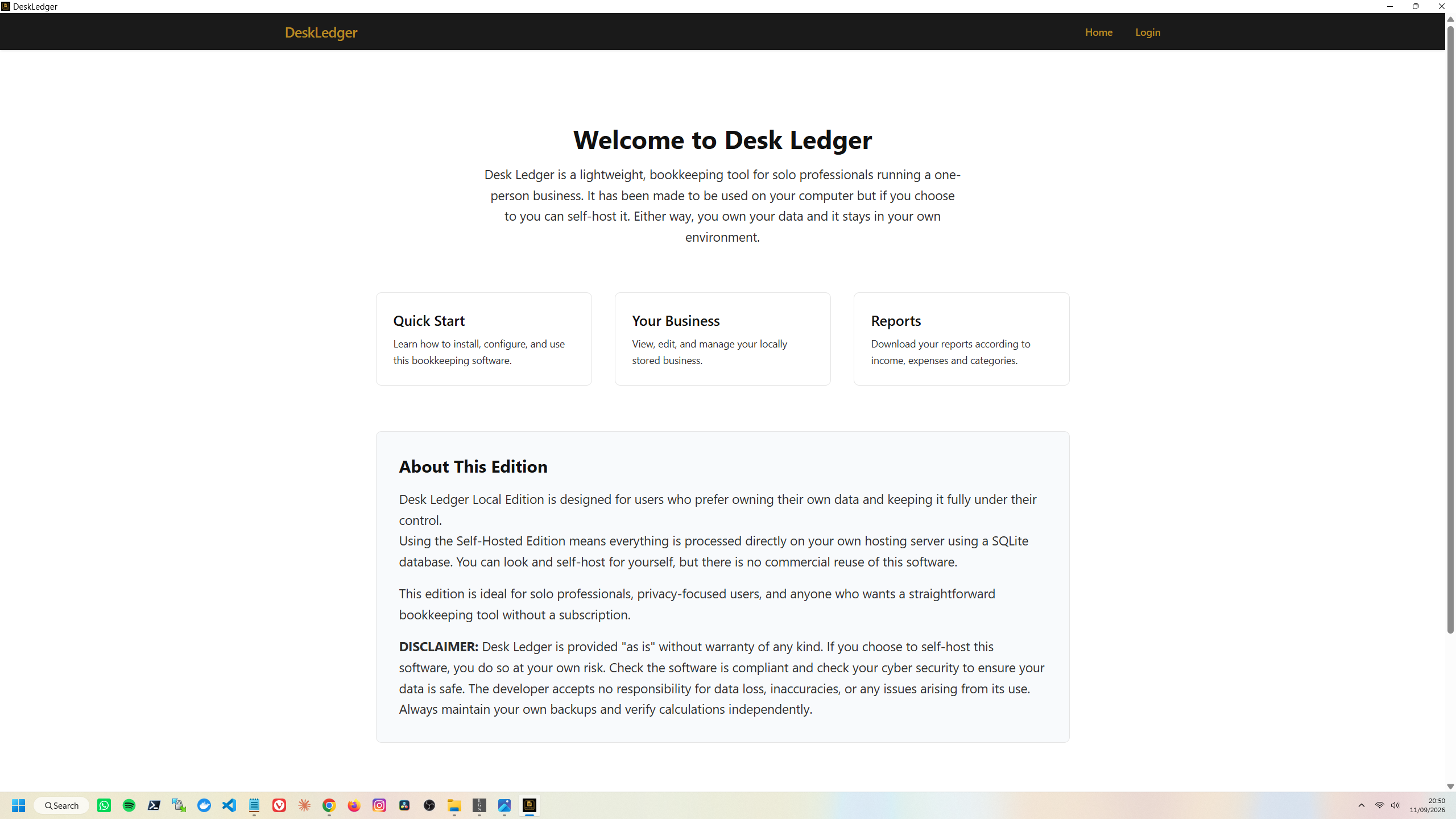
When Desk Ledger was first created it was called Manage Transactions Daily (MTD). The name was changed in July 2026.
This digital book keeping app started as a practical solution to a personal problem: I needed a straightforward way to keep my business records organised to keep up with the changes from paper to digital bookkeeping. What began as an early idea for a SaaS product quickly shifted once I realised two things - I didn’t want to maintain a cloud platform, and most people like me don’t need one.
The project naturally evolved into a Self-hosted bookkeeping software that can run locally or be deployed.
Keeping data on my own platform felt simpler, more private, and more manageable for the kinds of people I had in mind - self employed developers, sysadmins, devop professtionals and anyone else who just wants clean digital records without the weight of full accounting software.
Digital Bookkeeping
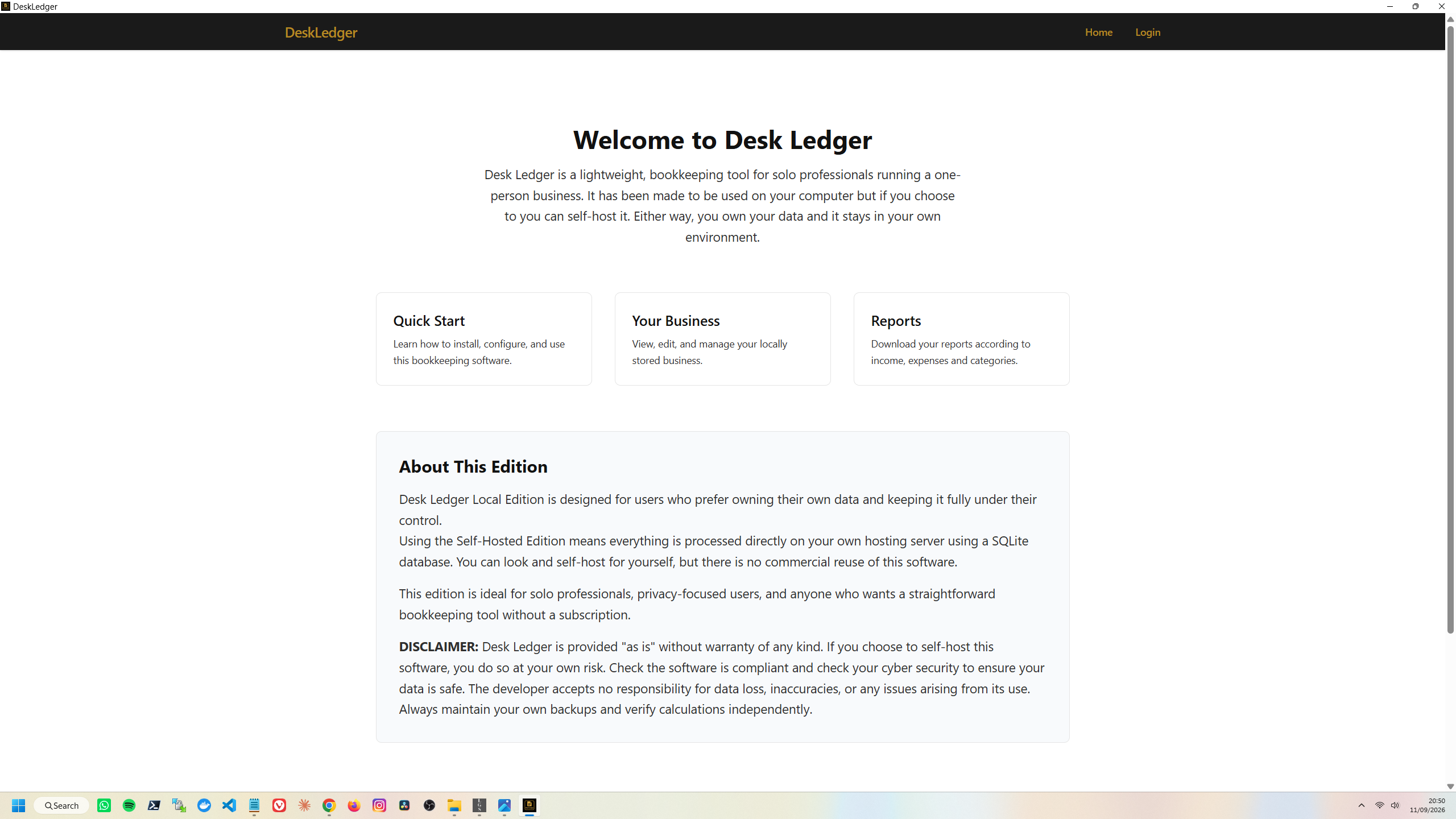
A clear GitHube README and a clean Django/Tailwind interface make the software easy to install and intuitive to use.
Desk Ledger now stands as:
- A self-hosted tool
- A self-contained bookkeeping system
- A platform free no-subscription tool
Perfect for self employed professionals who are tired of overbuilt accounting platforms.
Designed to reduce overwhelm and provide simple digital record-keeping.
Technical Details
Desk Ledger uses a web-based interface for the best user experience. The application runs entirely via local http or you can host it on your server your computer. Opening in a browser simply provides a modern, familiar interface that's easy to use.
It is built using a modern, secure Django architecture which includes:
Technology Stack
- Django 5.2+
- SQLite (default)
- TailwindCSS Version 4
- HTML templates for speed and simplicity
- Python virtual environment auto-setup
- Docker option (coming soon)
SQLITE Database
All data stored in a single db.sqlite3 file
One-user, one-business design (as per licence rules)
(Licence terms: Desk Ledger is single-user, not multi-tenant, and cannot be hosted or converted into a SaaS — per Software Licence Agreement)
Core Features
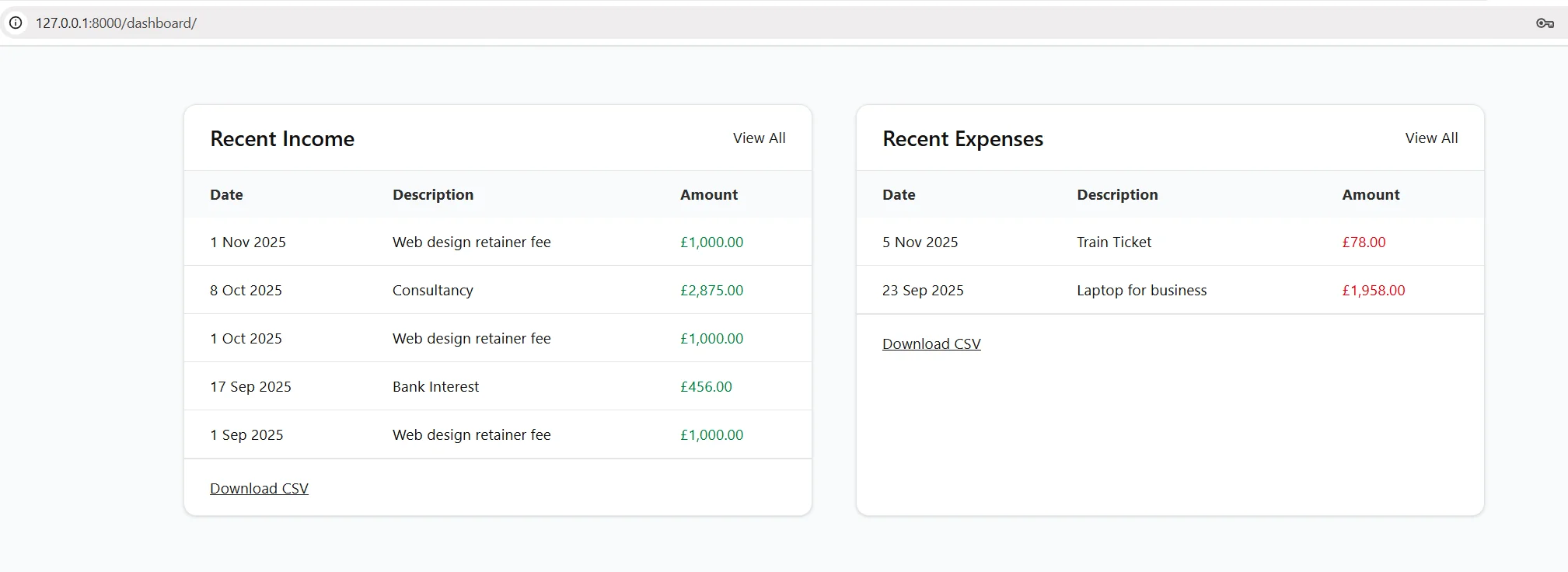
Income & expense tracking
Categories (fully editable)
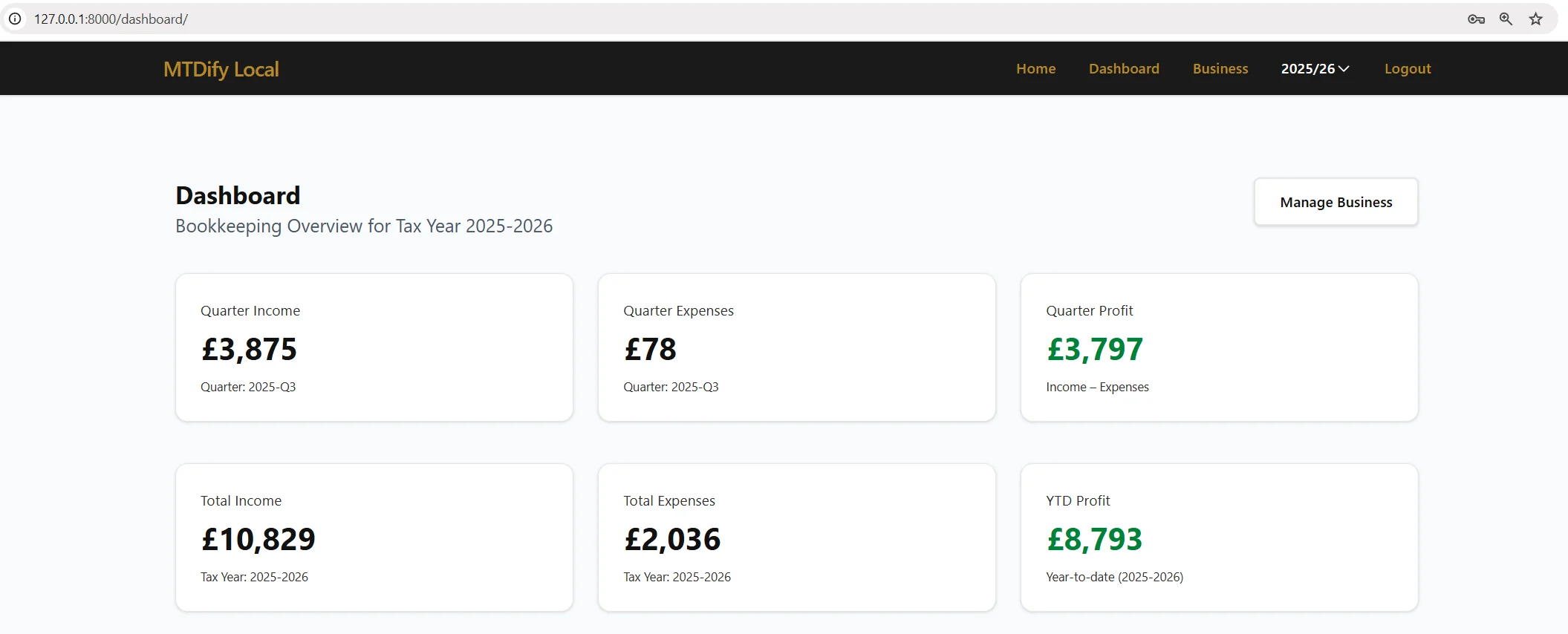
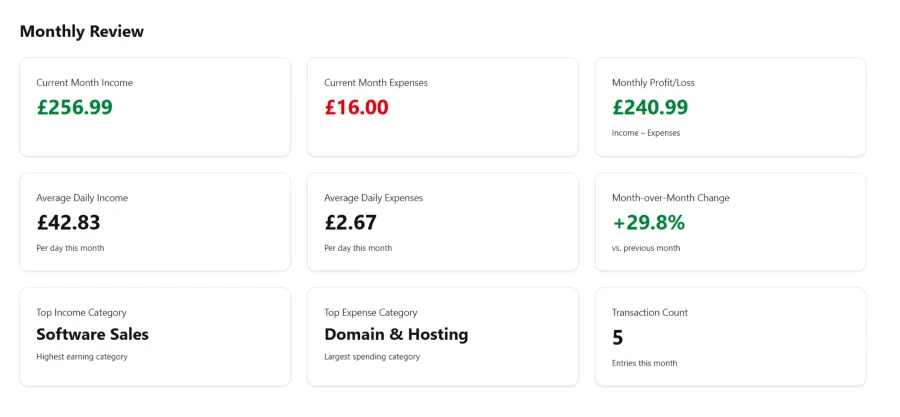
Dashboards & summaries
Recurring monthly entries (e.g., rent, software, utilities)
Quarter calculations aligned with UK tax periods
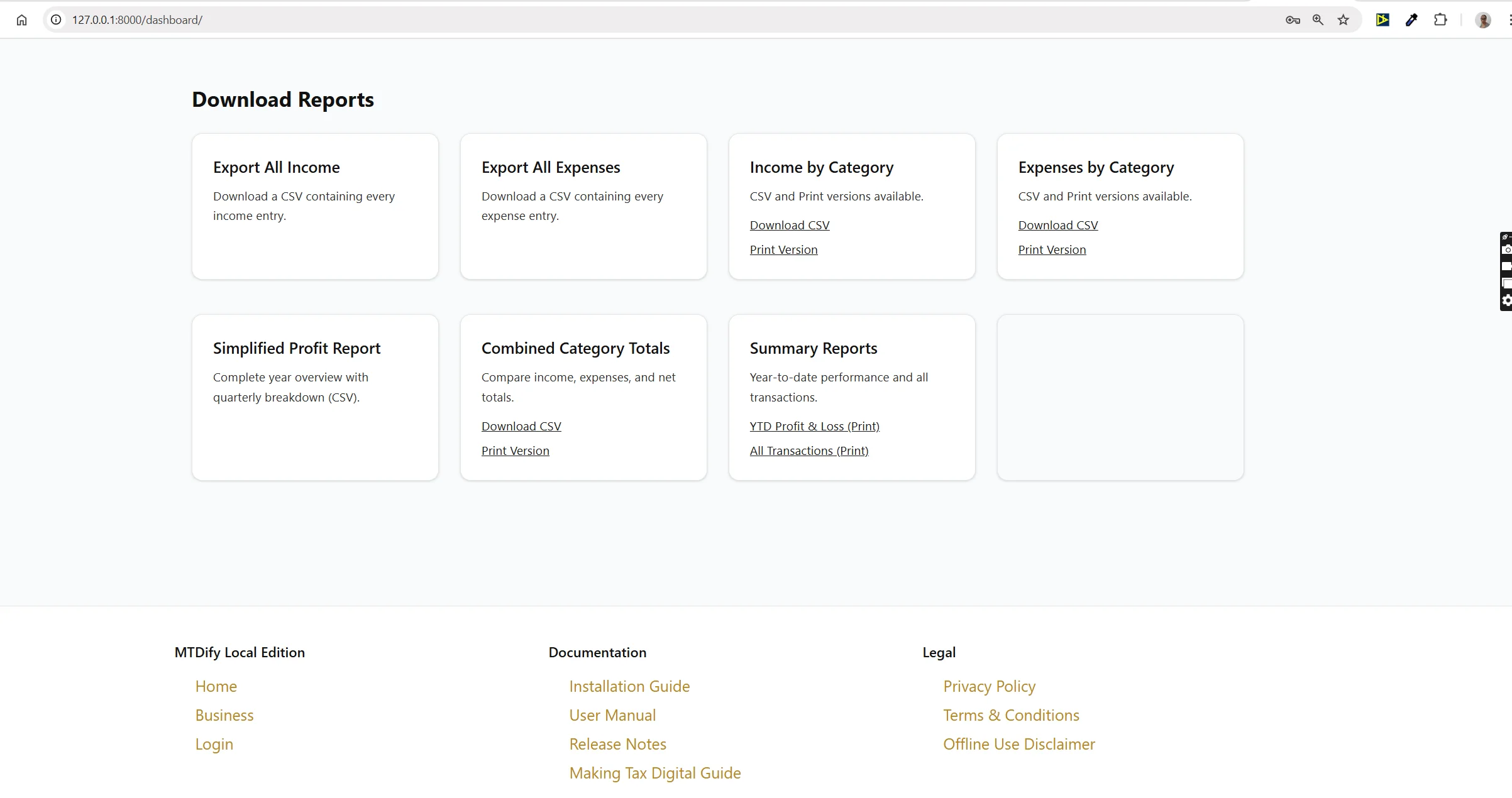
CSV export
Results
Desk Ledger delivers a bookkeeping solution tailored to the realities of UK self-employment. It eliminates the subscription model, reduces complexity, and gives users full ownership of their business records.
Outcomes Achieved
- A fully functioning bookkeeping app packaged with Docker for self-hosting
- Extensive documentation including installation, usage, troubleshooting and licensing
- A legally safe, single-user, single-business, self-contained system
- Clear licensing that prevents misuse, resale, or SaaS conversion
(Based on the enforced clauses in the Software Licence Agreement)
For Djangify owners it is possible to connect this tool to your eCommerce shop so that all orders are automatically added