Overview
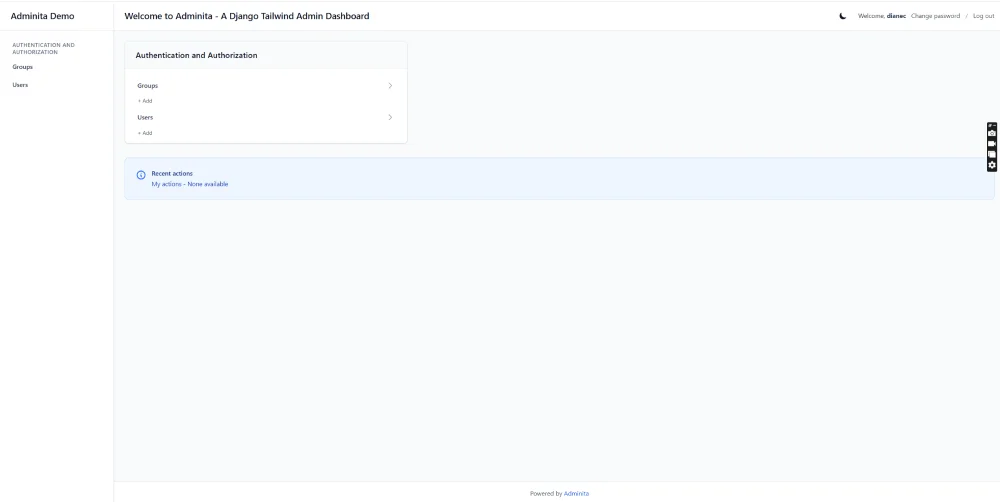
Adminita transforms Django's default admin interface into a sleek, modern dashboard. Built with Tailwind CSS v4, it provides a professional-grade admin experience with responsive design, dark mode support, and contemporary styling while maintaining full Django admin functionality.
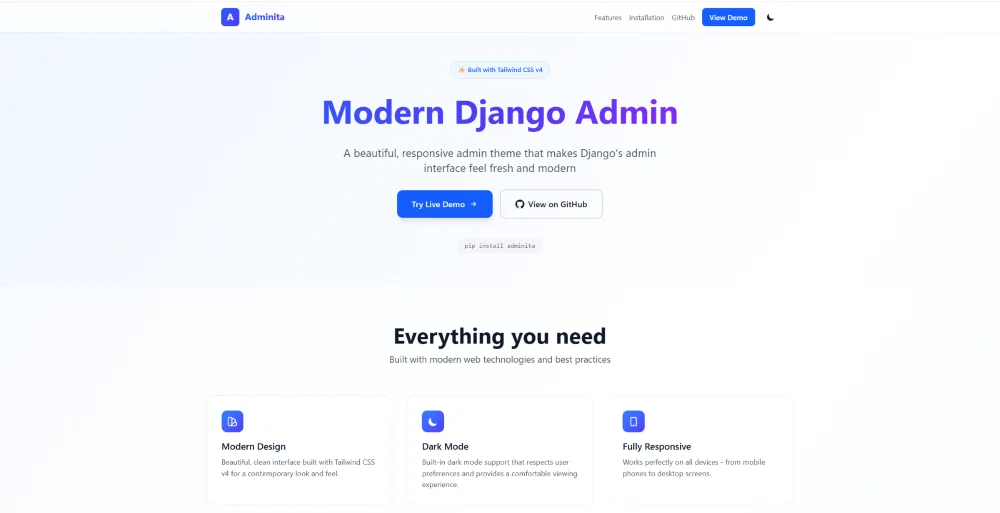
Built from the ground up with Tailwind CSS v4, Adminita delivers a polished, professional admin experience that you'd expect from a premium SaaS dashboard. Clean typography, intuitive spacing, smooth transitions, and a dark mode (once it works!).
The project was created to provide an alternative to the regular Django default admin. It is a drop-in replacement that requires minimal configuration.
Technical Details
- Django 5.2 - Built and tested with the latest Django version
- Tailwind CSS v4 - Uses the new @theme syntax and CSS-first approach
- Dark Mode - System preference detection with manual toggle and localStorage persistence
- Responsive Design - Mobile-first approach with collapsible sidebar navigation
- Template Overrides - Custom templates for login, index, change_list, and change_form views
- Utility Classes - Includes AlwaysVisibleAdmin and SingletonAdmin helpers for common admin patterns
- PyPI Package - Distributed as an installable Python package
- PYPI profile - https://pypi.org/project/adminita/
Quick Start
1. Install via pip:
pip install adminita
2. Add to INSTALLED_APPS (must be before django.contrib.admin):
INSTALLED_APPS = [
"adminita", # Must be FIRST!
"django.contrib.admin",
"django.contrib.auth",
# ... your other apps ]
3. Configure static files:
STATIC_URL = "/static/" STATIC_ROOT = BASE_DIR / "staticfiles"
4. Customize your admin site in your project-level urls.py:
from django.contrib import admin
admin.site.site_header = "Your Site Name"
admin.site.site_title = "Your Site Title"
admin.site.index_title = "Welcome to Your Site"
5. Collect static files and run:
python manage.py collectstatic --noinput
python manage.py runserver
Visit /admin/ and enjoy your new modern admin interface!
Results
Adminita v-1.0 is available as an open-source package on PyPI and GitHub. It provides a modern admin interface that improves usability and visual appeal without sacrificing any built-in Django admin functionality.
The theme has been tested across my Django projects including production sites, ensuring compatibility with various model types, inline forms, and custom admin configurations.
It plays nicely with popular packages like django-tinymce, django-import-export, and django-solo.
As an open-source MIT-licensed project, Adminita is free to use, modify, and extend. Whether you are building a side project or deploying enterprise software, your admin deserves to look as good as your frontend.