Today I wanted to focus on writing about tools you can run yourself. I want to explain how these tools can be a practical alternative to subscription-heavy software.
For many creators and small business owners, the number of subscriptions they rely on has grown beyond comfort over the last 3-5 years. What used to be simple like running a blog, selling products, or managing finances now requires multiple monthly payments.
“Tools you can run yourself” offer a refreshing alternative. These are systems you install, host, or launch on your own device or server. They are stable, affordable, and built around user control, not platform control.
This article explores what these tools are, why they matter, and how to choose the right ones.
- Running a tool yourself means you install it, choose where it lives, and keep full long-term access with no SaaS lock-in.
- It fits websites and shops, personal planning, creative work, money management and developer tools especially well.
- SaaS still has its place for large-scale team collaboration and live, multi-user tools.
What Does “Run Yourself” Mean?
Running a tool yourself means:
- you install it
- you decide where it lives
- you control your data
- you choose the update schedule
- you avoid SaaS lock-in
- you have full long-term access
This can happen in three ways:
1. Local apps
Tools that run directly on your device (like a journaling system or accessible planner).
2. Self-hosted apps
Tools installed on your hosting account or VPS (like an ecommerce site).
3. Portable offline tools
Systems where everything is stored in files you own.
The key point is control.
Why People Want Tools They Can Run Themselves
People are experiencing:
- subscription fatigue
- price increases from SaaS companies
- concerns about privacy
- platform shutdowns
- loss of access
- frustration with changing interfaces or feature sets
Tools you can run yourself remove these stresses. You are not paying to keep functionality you already had or dependent on someone else’s decisions. Your work lives with you and not inside a platform.
Types of Tools You Can Run Yourself
Where self-running tools fit
Websites and shops
- My Django ecommerce site builder
- WordPress
- static site generators
These give creators full independence.
Personal planning
- journaling tools
- to-do list apps
- habit trackers
- planning dashboards
Local-first versions are especially powerful here.
Creative work
- writing tools
- idea vaults
- Zettelkasten systems
- personal knowledge bases
These benefit from privacy and offline access.
Money management
- My Desk Ledger tool
- budgeting tools
- simple accountants
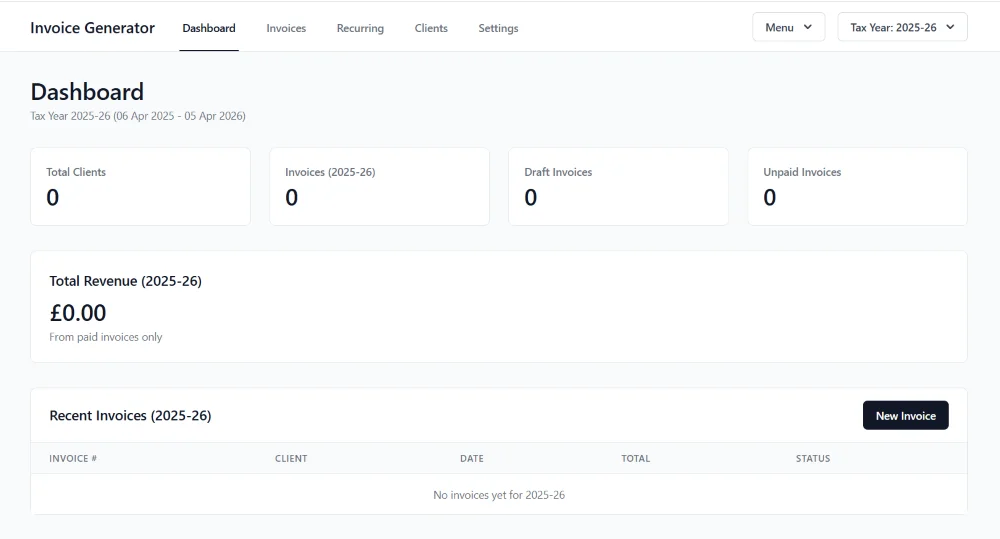
- invoice generators
Creators often prefer keeping financial data private.
Tools for developers
- Docker-based dashboards
- code snippet libraries
- local documentation sites
- bookmark managers
These are usually lightweight and stable.
What Tools You Can Run Yourself Offer
1. Stability
Your tools don’t break because a company decides to make a “major update”.
2. Predictability
Costs stay fixed. Features stay consistent. Workflows stay the same.
3. Privacy
Your work, ideas, finances, and notes stay with you.
4. Longevity
If the developer disappears, you still have the tool.
5. Simplicity
No complex login systems or forced cloud integrations.
When Running Tools Yourself Makes the Most Sense, and When SaaS Still Wins
Run it yourself if you
- work independently
- prefer simple tools
- dislike monthly charges
- value long-term access
- want privacy
- use tools for personal or small-team work
SaaS still makes sense for
- large-scale team collaboration
- enterprise systems
- tools that require live updating feeds
- communication platforms
Many people choose a mix: self-hosted tools for personal use, SaaS for team collaboration.
Djangify - my ecommerce builder has been a massive help in saving me monthly platform fees. Yes, I pay for hosting, everyone does, but that's a small fee compared to what I would pay compared to needing a business tool like GHL
Frequently Asked Questions
Are tools you can run yourself only for technical people?
Not anymore. Modern self-hosted and local apps are becoming much more user-friendly. Many offer one-click installers, simple upload-and-run workflows, or portable apps that require no installation at all. Creators and small business owners without technical backgrounds regularly run their own blogging platforms, task managers, and shops. While advanced setups might require a developer, most everyday tools you can run yourself are designed to be approachable, portable, and simple.
What do I need to run a tool myself?
It depends on the tool. Some run directly on your computer without needing anything else. Others might require basic web hosting, which most people already use for their websites. A small VPS can run multiple tools for only a few pounds a month. As long as you can manage files, follow simple instructions, and occasionally run updates, you can run many tools yourself. The technical barrier is lower than you might expect.
Will these tools still get updates?
Many self-hosted tools are open source or community-driven, so updates are frequent and independent of a single company’s roadmap. Even paid tools often offer long-term support or lifetime licences. The difference is that you decide when to update, and your tool won’t suddenly change direction. If the original developer steps away, the version you have continues working. This is one of the main appeals, stability without fear of forced change.
Can I use both cloud tools and tools I run myself?
Absolutely. Most people eventually adopt a hybrid approach. They use tools they can run themselves for core personal or business functions, journaling, finances, productivity, and SaaS tools for larger collaborative work. It’s about choosing what gives the most value and control, not restricting yourself. This flexibility ensures you’re not trapped in a single ecosystem, while still benefiting from modern cloud conveniences where needed.
How do tools you run yourself save money?
Running tools yourself often eliminates ongoing subscription fees. Instead of paying £20–£40 each month for multiple SaaS tools, you might pay a small hosting fee or one-time licence for a tool you control permanently. Over time, this creates significant savings. For small creators and microbusinesses, reducing subscription overhead can have a meaningful impact on financial stability. Tools you run yourself also avoid hidden costs like forced upgrades or premium lock-ins.
- Running a tool yourself means installing it, choosing where it lives, and keeping full long-term access with no SaaS lock-in.
- It suits websites and shops, personal planning, creative work, money management and developer tools especially well.
- Most people end up with a mix: tools they run themselves for core personal or business work, SaaS for large-scale collaboration.
Why I Am Adding Local-First Development
Why this shift fits alongside my existing Django work.
Read more →