What does “offline-first” actually mean, and why would anyone choose software that doesn’t rely on the internet?
Offline-first software is often misunderstood. Some people hear the term and assume it means “old-fashioned,” limited, or disconnected from modern workflows. Others confuse it with cloud apps that simply cache data when the internet drops out.
Offline-first is none of those things.
Offline-first software is designed around a simple but increasingly rare principle: the software works fully and reliably without an internet connection. Not as a fallback. Not as a degraded mode. Offline is the default state, not the exception.
This article explains what offline-first software really is, how it differs from cloud-based tools, and why it matters more now than it did a decade ago.
- Offline-first means the software runs fully on your device by default, with internet access as an optional extra, not a requirement.
- “Works offline” usually means caching or view-only access. Offline-first means nothing breaks when you disconnect.
- It suits personal productivity, bookkeeping, journaling and small business admin best, not large-scale real-time collaboration.
A Clear Definition of Offline-First
Offline-first software is built so that:
- The application runs entirely on your device
- Your data is stored locally by default
- Core functionality does not require an internet connection
- Internet access, if used at all, is optional rather than essential
In other words, the software assumes you may never be online.
This is fundamentally different from most modern applications, which assume constant connectivity and fail, sometimes completely, when that assumption breaks.
Offline-first tools do not “phone home” to work. They do not depend on third-party servers being available. They do not lock your data behind logins or subscriptions.
You open the app. It works. Every time.
Offline-First vs “Works Offline”
Many cloud-based tools advertise offline access. This usually means one of three things:
- The app caches some data locally
- You can view content offline but not edit it
- The app breaks in subtle ways when disconnected
These are offline-capable, not offline-first.
An offline-first application does not need to switch modes. There is no “you’re offline” warning because offline is already accounted for in the design.
If the internet disappeared tomorrow, would this software still be usable long-term? If the answer is no, it is not offline-first.
Why Offline-First Software Exists at All
Offline-first design originally emerged out of necessity. Early personal computers and desktop software had no choice but to work locally. Over time, always-on connectivity became the default assumption, and software architecture followed it.
What we are seeing now is not a step backwards, but a correction.
Offline-first software exists because many people have realised that not all software needs the cloud, constant connectivity introduces fragility, and ownership matters more than convenience in many contexts.
For personal tools, financial records, creative work, learning systems, and small business administration, the cloud often adds complexity without adding proportional value. Offline-first software removes that complexity.
What Offline-First Looks Like in Practice
An offline-first application typically includes:
- A local database (often SQLite or similar)
- All business logic running on the device
- No hard dependency on external APIs
- Export and backup tools controlled by the user
This does not mean the software is primitive or limited. It can still be feature-rich, well-designed, secure and maintainable.
The difference is architectural, not aesthetic. The software is built around the idea that your device is the source of truth.
Common Misconceptions About Offline-First Software
“Offline-first means no updates”
Offline-first does not mean frozen. Updates can still be distributed, just not forced. You decide when to upgrade, not a subscription renewal date.
“Offline-first means no syncing”
Offline-first does not forbid syncing; it simply does not require it. Syncing, if present, is an optional layer rather than the foundation.
“Offline-first is only for technical users”
Well-designed offline-first tools can be simpler for non-technical users because they remove accounts, passwords, and dashboards. Complexity is often introduced by cloud systems, not removed by them.
Where Offline-First Makes the Most Sense
Offline-first software is particularly well suited to personal productivity tools, bookkeeping and financial records, journaling and writing tools, educational platforms, small internal business systems and creative tools.
In these cases, the benefits of constant connectivity are often overstated, while the costs, subscriptions, outages, data risk, are very real.
Offline-first software shines where reliability and ownership matter more than collaboration at scale.
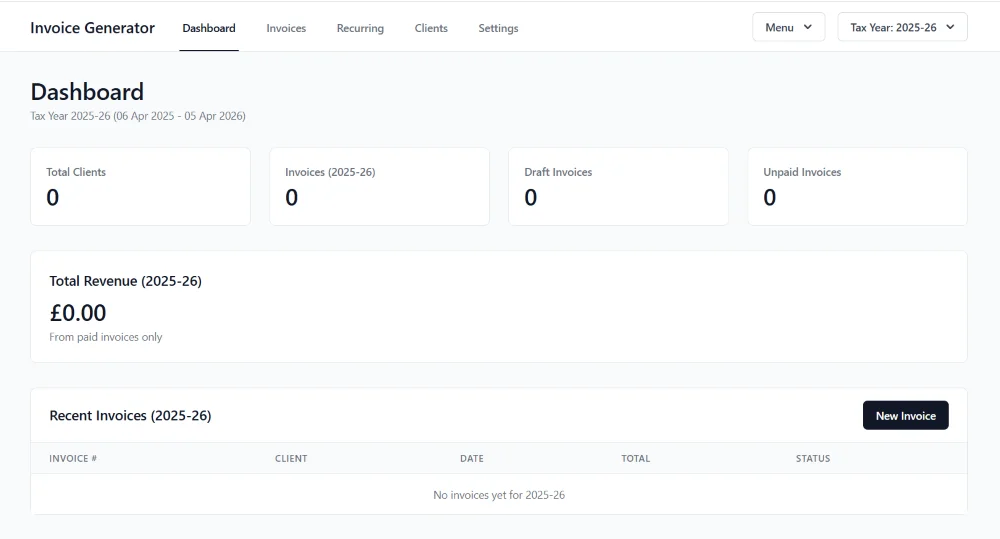
This article written in 2025 was all based on research and what I could find out, plus information from AI. Now I have been able to build my own offline-first software like Content Planning Studio that lets me plan and create content for my different sites. It all works on my PC locally. I have a few other open source local/offline type projects that I share via my shop https://www.dianecorriette.com/shop/
Two Practical Tasks
Audit your current tools
- List the tools you use weekly. For each one: does it stop working without internet access, where is your data actually stored, can you export it in a usable format, and what happens if the company shuts down?You may be surprised how many tools fail this test, and how few genuinely need to.
- Now choose one area of your work or life where you don’t need real-time collaboration, you value privacy or long-term access, and you want fewer dependencies.That area is a strong candidate for an offline-first tool. You do not need to replace everything, one well-chosen offline-first tool can significantly reduce complexity and risk.
Offline-First Is About Control, Not Nostalgia
Offline-first software is not about rejecting modern technology. It is about choosing the right architecture for the job.
In an era where software is increasingly rented rather than owned, offline-first represents a different relationship with tools, one based on stability, autonomy, and trust in the user rather than the platform.
For many people, that shift is not ideological. It is practical. And once you experience software that simply works, regardless of connectivity, it becomes very hard to go back.
- Offline-first software runs fully on your device by default; the internet is optional, not required.
- It differs from “works offline” cloud tools, which usually only cache or allow view-only access.
- It fits personal, financial and creative tools best, where ownership and reliability matter more than real-time collaboration.
Why Offline-First Matters for Privacy and Control
The privacy and control case for offline-first software.
Read more →