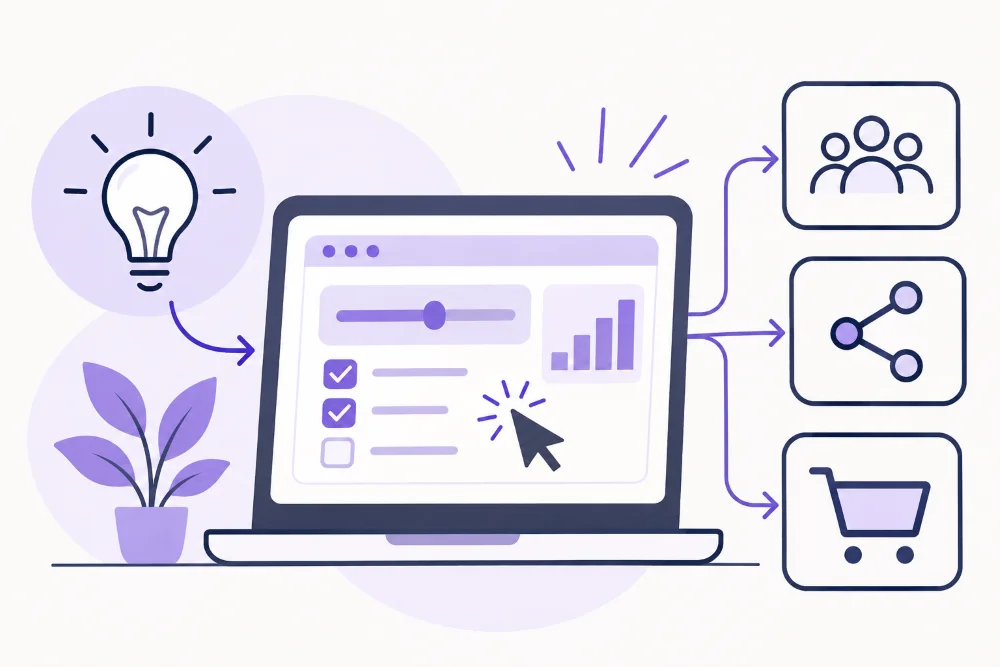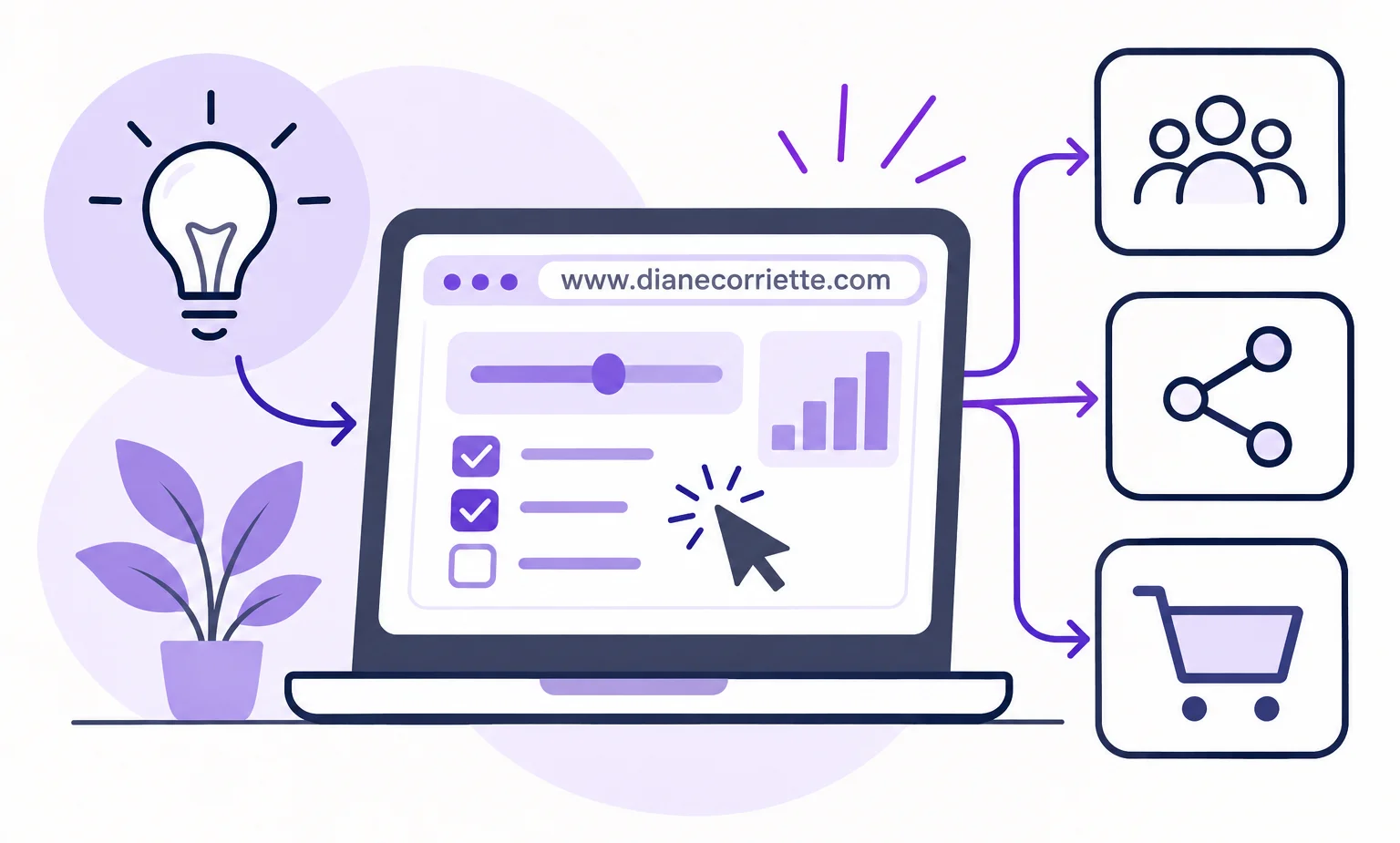
A micro-app is a small interactive tool that does one job for one kind of person. It might be a checklist that saves your answers, a calculator, a planner, a quiz that ends in a result or a workbook you fill in on screen instead of printing. It is usually one web page, so there is nothing to install and it can be hosted for free.
This post collects what I know about building micro-apps with Claude or ChatGPT, using them in your own work, helping other people build theirs and providing them to the people you serve. I add to it as I write new posts, so come back whenever you like.
- A micro-app is one small tool that does one job well.
- You can build one by describing it to Claude or ChatGPT, but you still need to test what it gives you.
- A PDF is read once. A micro-app asks the person to type, tick or choose, so they take part.
- You can keep offering the PDF as well, for people who would rather read on a tablet.
- The easiest first micro-app starts from a document or checklist you already have.
What is a micro-app?
A micro-app is a small web page that behaves like a tool. Someone opens it, answers a few questions or fills in a few boxes, and leaves with something: a score, a plan, a checklist, a filled-in worksheet or a number. It does one thing and does not try to be a full software product.
You will also see the term written “microapp” or “micro app”, and here it means a small interactive web page for one job, not the enterprise idea of splitting a large system into small modules and not an app you download from a store.
Examples you can try on this site:
- The Micro-App Idea Builder turns a person, a problem and a result into an app idea.
- The Software Idea to MVP Planner turns a rough idea into a project brief.
- The Non-Commodity Content Builder plans an article around what only you can say.
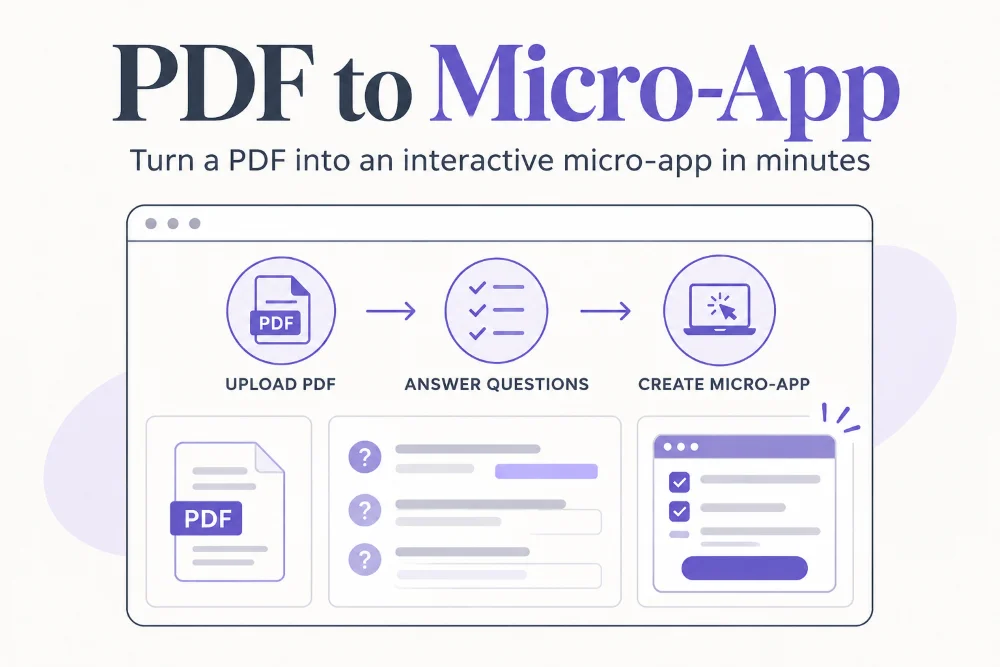
- PDF to Micro-App turns a PDF or workbook you own into a page people can fill in.
The tools on my other sites show different shapes a micro-app can take, from a picker that gives you one idea to a seven-day guide that saves your progress:
- An ALIVE List Prompts on Inspirational Guidance is free. You pick one of seven areas, such as Adventure, Peace or Wonder, and get one small thing to try.
- An ALIVE List Direction Finder is free. Six short questions about where you are, what keeps getting postponed and how much time you really have end in a Starter Plan you can download.
- Overwhelm Self-Assessment on Reduce Overwhelm is free with no sign-up. You rate your overwhelm, rate your mental load, decision load and structure separately, and name your main pressure point.
- Personal Reset Plan is also free. It takes three steps in one sitting (empty your head, remove one commitment, rebuild your week) and ends with answers you can download or print.
- Overwhelm Reset Guide is a paid seven-day reset, one screen at a time, with a 30-day plan and templates. Your progress is saved on the site, and you can download or print what you wrote at the end.
A PDF
- Easy to download, print and keep
- Works on a tablet with no internet
- Cannot save answers or show progress
- Often read once, or not opened at all
A micro-app
- People type, tick and choose
- Can save answers in the visitor's browser
- Can give a result or a plan at the end
- Needs a web page to live on
Why they are worth building
The figures below come from marketing case studies and industry reports. They are not controlled studies, the numbers differ from one source to the next, and some of the sources sell interactive tools themselves. They do point the same way.
- One marketer who replaced PDF downloads with interactive pages reported 30 days of results: about 20 seconds spent with a PDF against nearly six minutes with the interactive version.
- A second case study found that of 340 email sign-ups in a month, only 14 people opened the PDF they signed up for.
- A report on 3.8 billion views of interactive content put the average completion rate at 72.7%.
- Reviewers of paid quiz and app builders keep complaining about price jumps between plans and a long learning curve for people who do not code.
A micro-app does not have to replace your PDF. Some people want to read on a tablet, print it or keep a copy. Offering both costs very little and lets each person choose.
When a PDF is the better choice
A micro-app is not the right answer every time. These are the cases where I would stay with a PDF.
- Someone wants to write by hand. I still prefer putting pen to paper sometimes, and a printed page lets you do that. A printable PDF suits those readers better than a screen.
- Someone wants to read offline. A PDF opens on a tablet with no internet connection. A micro-app can work offline too, but only if it is built as one file with nothing loaded from outside, as the questions below explain.
- The tool would need accounts, payments or answers saved for each person. A single-file micro-app on a free host can keep answers in the visitor's own browser, but accounts, payments and saving for each person need a server and a database, and free hosting cannot provide either. Start with the browser-only version, or use a platform that has the server side built in, as the next section explains.
Selling a micro-app so that only buyers can use it
This is the gap I built the Hosted Tools section of Djangify to fill. A free host shows your page to anyone with the link, so a paid micro-app put there can be forwarded to anyone. On Djangify you upload the single HTML file, link it to one of your products and mark the tool as paid. The Overwhelm Reset Guide above works this way. Here is what that does:
- Only buyers get in. A paid tool is unlocked only by buying the linked product. Anyone else who opens the address sees a page saying it is a paid tool, with a button to the product, and the tool itself does not appear.
- Customers log in. People who have already bought use a login link on that page and open the tool from their account.
- Answers are saved for each customer. If you switch it on for that tool, logged-in customers can save their results to their own dashboard, and saved results are private to each customer. The tools dashboard counts starts, saves, prints and completions, but it never records what anyone typed.
- The file is not public. A paid tool's file is stored privately and opens only through its tool page, so guessing the file address does not work.
Nothing can stop a buyer from describing the tool or taking a screenshot, but the tool itself stays on the site, so there is no tool file to email around, and a forwarded link shows a locked page to anyone who has not bought it. The details are in Hosted Tools: Free and Paid Interactive Tools.
From idea to micro-app
- Find an idea worth buildingPick a person, a problem they have and a result they would want. The free Micro-App Idea Builder turns those three choices into a concept, a first version and a prompt for your AI.
- Write a brief before you buildSay who it is for, what it must do and what can wait. The MVP Planner helps, and a clear brief saves rebuilding later.
- Build it with Claude or ChatGPTStart from a PDF or workbook you already own, or from your brief. Follow the step-by-step guide. Your AI writes the page and you approve the plan before anything is built.
- Check it before anyone else sees itTest the results by hand, try odd answers and read every message your tool gives back. The AI builds quickly, but the judgment about what is safe to tell people is yours. The checklist below shows what to test.
- Publish it for freeA micro-app that is a single file can go online on a free host in a few steps. My guide covers four: Neocities, Cloudflare Pages, GitHub Pages and Netlify. Neocities was the easiest to set up, and I did not test Netlify. See how to publish for free.
- Decide whether to share or sell itKeep it private, give it away or charge for it. Each choice changes what you owe the people who use it, so decide before you publish. The table below sets out what that means for a UK seller.
A testing checklist for step 4
Before anyone else sees it
- Open it the way people will see itTest it on the page or frame that will hold it, not only as a file on your computer. One of my own tools lost its buttons inside my site's frame because it saved answers in the browser.
- Type in every box, then reloadCheck that your answers are still there after the page reloads.
- Try odd answersLeave boxes empty, type a very large number and write a very long answer.
- Check results by handIf it calculates, check three or four results yourself. If it gives scores or advice, read every result a person could get and ask whether you would say it to a real person in that situation.
- Try a phone and a printoutOpen it on your phone, then print it or save it as a PDF.
- Check you uploaded the right fileCompare the file on the host with the one you meant to upload, then open the live page as a visitor would.
- Look for anything privateNo API keys, passwords or client details. Anyone with the link can read the page.
What sharing or selling means for a UK seller
| Your choice | What to do |
|---|---|
| Keep it private | Keep the file on your own computer or send it only to the people you choose. Do not put it on a free host, because every free host in my publishing guide shows the page to anyone with the link. |
| Give it away free | If the tool collects names, email addresses or anything else that identifies a person, you need a privacy notice. The ICO says it should cover what you use the data for, how long you keep it and who you share it with. If everything stays in the visitor's browser, say so plainly on the page. Only publish content you wrote or have the rights to. |
| Sell it as a download | Before the download starts, get the customer to confirm that they know they lose their 14-day right to cancel, and to agree to the instant download. Confirm the contract, for example by email, no later than when the content is downloaded. GOV.UK says that if you skip these steps the customer keeps their 14 days to cancel without paying. Under the Consumer Rights Act 2015 the content must also be as described, fit for purpose and of satisfactory quality, and a faulty download entitles the customer to a repair or a replacement. |
This is general information for UK sellers and not legal advice. The details are in GOV.UK's guide to online and distance selling and the ICO's guidance on privacy notices. Read them, or ask your local Trading Standards, before you sell.
What I learned building micro-apps with AI
I built the free tools on this site with Claude and ChatGPT. These are the things that changed how I work.
- A blank chat gives you a plain page. The first micro-app Claude Code built for me was terrible, which is why the PDF to Micro-App tool now comes with templates.
- Plan for more than one version. I think I reached version 8 or 9 of my PDF to Micro-App app before I was truly happy with it. A test run of it, from filling in the form to downloading the finished page, took under half an hour.
- Keep your AI on track. Claude can go well beyond what you asked for, so I ask for a basic first version and build from there.
- Check the result against what you started with. My tool lists any sentence from your original document that it cannot find in the finished page, and every one of them is worth reading.
The longer versions are in Free PDF to Micro-App Tool: How I Built It and Why It Lives on My Site and Vibe Coding and Software For One.
Posts to read next
What Is Software-for-One?
Why starting from a problem you have yourself gives you clear requirements.
Read more →I Built My Own Markdown Editor With Claude Code in Under 10 Minutes
A small tool I asked Claude Code to build for me, and what the first version looked like.
Read more →From Personal Tool to Product: When to Share Your Software
How to tell whether a tool should stay private, be shared or be sold.
Read more →Publish it on your own site
Publish Your Micro-App on Your Own Site
Djangify, an ecommerce builder for digital products, is the tool I built for my own businesses. It lets you publish a single-file micro-app as a free or paid Hosted Tool on your own site, next to your blog and products. The free tools on this site run that way.
See Djangify →Quick answers
Is a micro-app the same as a mobile app from an app store?
No. A micro-app runs in a web browser from a link, so nothing is downloaded from an app store and there is no review process or developer account. Visitors can open it on any phone, tablet or computer, and many can add it to their home screen. It cannot use every phone feature a store app can.
Can a micro-app work offline?
Yes, if it is built that way. A single HTML file with no outside scripts, fonts or images works offline once you have saved it to your device and opened it. Anything it loads from the internet needs a connection. When you brief your AI, ask for a file with nothing external.
Will people find my micro-app on Google?
Usually only if the page around it gives search engines something to read. The app itself is mostly code. Write a plain description of who it is for, what it does and what the visitor leaves with, add a few questions and answers, and link to it from related posts so search engines can reach it.
Do I need a privacy notice for a micro-app?
If your micro-app collects names or email addresses, or sends answers to a server, data protection law such as UK GDPR applies and you need a privacy notice. If everything stays in the visitor's browser, say that plainly on the page, for example with a line near the start. Ask a professional if you are unsure.
Can I add a micro-app to a page on my existing website?
Yes. Link to it from any page, or embed it in a page with an iframe if your website builder lets you add custom HTML. Linking works everywhere. Embedding keeps visitors on your page but can clip on small screens, so test it on a phone before you publish, and keep a plain link underneath as a fallback. Test the saving too, because saving answers in the browser can fail inside a frame even when the file works on its own.
How long does it take to make a micro-app?
Allow about an hour for your first one, most of it spent in conversation with your AI deciding what to keep and what to leave out. Publishing on a free host takes around twenty minutes the first time. A test run of my own PDF to Micro-App tool took under half an hour, but I did not think hard about the questions, so I would give a real project longer. Testing it properly, including checking the page against your original document, is the part people skip, so leave time for it.
Reflection
- A micro-app is a small interactive page that does one job for one kind of person.
- Interactive formats are reported to hold attention and finish rates better than PDFs, though the evidence comes from marketing sources.
- Start from something you already have, build it with Claude or ChatGPT and test it before anyone else sees it.
- Keep the PDF alongside it for people who prefer to read on a tablet.
Look at the PDFs, checklists and worksheets you have already made. Which one do you wish people would actually use?
Write your answers here
- Which document of yours could become something people fill in?
- Who would use it, and what would they leave with?
- What is one small step you can take this week?