For a while I made plain PDF products: guides, workbooks and checklists. I put them on my sites and waited. They did not sell the way I hoped, and when I looked honestly at why, the answer was in how I used PDFs myself. I download them, mean to read them and rarely open them again.
This post is my account of what I changed. It covers what I think went wrong with plain PDFs, and the two things I am building instead: interactive content blocks you can add to a page, and a tool that turns a PDF into a micro-app.
- A plain PDF asks the reader to do all the work of using it, and most do not.
- An interactive page asks them to tick, type or choose, so they take part.
- I did not drop PDFs entirely. Some people still want one to print or read on a tablet.
- Every paid product on my three product sites started as a PDF, and each one is now something people use on screen.
- There are three ways to make a PDF interactive, from adding blocks to a page to building a full micro-app.
- Both products here come from tools I first built for my own sites.
- I am writing this from my own experience, not from outside statistics.
What went wrong with plain PDFs
A PDF is a good way to hand over information and a poor way to get someone to use it. In my case the problems were these:
- People downloaded them and never came back to the file
- Nothing on the page asked the reader to do anything
- There was no way for a reader to save their answers or see their progress
- I could not tell whether anyone had used what they bought
A plain PDF
- Read once, or not opened at all
- Answers go on paper or nowhere
- Looks the same as every other PDF
An interactive page
- Reader ticks, types and chooses
- Progress saved in their own browser
- Feels like a tool, not a document
Why I moved away from them
I would rather build something people use than something people file. Moving to interactive products also fits how I work: I build the tool for my own sites first, then offer it to others once it works.
Some people want to print a page or read on a tablet. I keep a PDF alongside the interactive version for them.
What it looked like on my own sites
Every paid product on my three product sites, Inspirational Guidance, The Self-Talk Effect and Reduce Overwhelm, started as a PDF. Three examples of what changed for the reader:
- Intentional Living Planner on Inspirational Guidance is a 30-day interactive notebook you use on the site. You choose up to three items from your list each week, tick off a small step each day and write in a daily diary. Your progress saves as you go, and if you stop for a few days it walks you through a restart.
- Stop Negative Self-Talk on The Self-Talk Effect was a workbook. The Loop Breaker now takes the sentence you keep repeating through four steps, saves each loop you break and waits for you to come back and record what happened. The workbook is still included as a download for anyone who prefers to print it.
- Overwhelm Reset Guide on Reduce Overwhelm is 24 pages you open from a menu, and each one ticks off when you finish it. You type your answers into boxes, they save as you go, and you can download or print what you wrote. A PDF copy of the guide is included.
My post I Turned My PDF Products Into Interactive Micro-Apps: What I Did and What Went Wrong has the full list, what broke and what I would do differently.
One problem from the list above, not knowing whether anyone used what they bought, has an answer on Djangify's Hosted Tools. The admin tools dashboard counts starts, saves, prints and completions, and it never records what anyone typed. The details are in Hosted Tools: Free and Paid Interactive Tools.
Should you make your PDF interactive?
Not every PDF should change. Use the questions below to decide for each one.
| If your reader will | Better as |
|---|---|
| Write by hand on a printed page | A PDF |
| Read on a tablet with no internet connection | A PDF, because a micro-app works offline only if it is built as one file with nothing loaded from outside |
| Type, tick or choose as they go | Interactive |
| Come back and pick up where they left off | Interactive, with answers saved for each person |
| Want to see their own progress | Interactive |
You do not have to choose one. Offering both costs very little, and each reader takes the version that suits them. My micro-apps post covers when a PDF is the better choice in more detail.
What I am building instead
Give Readers Something to Do
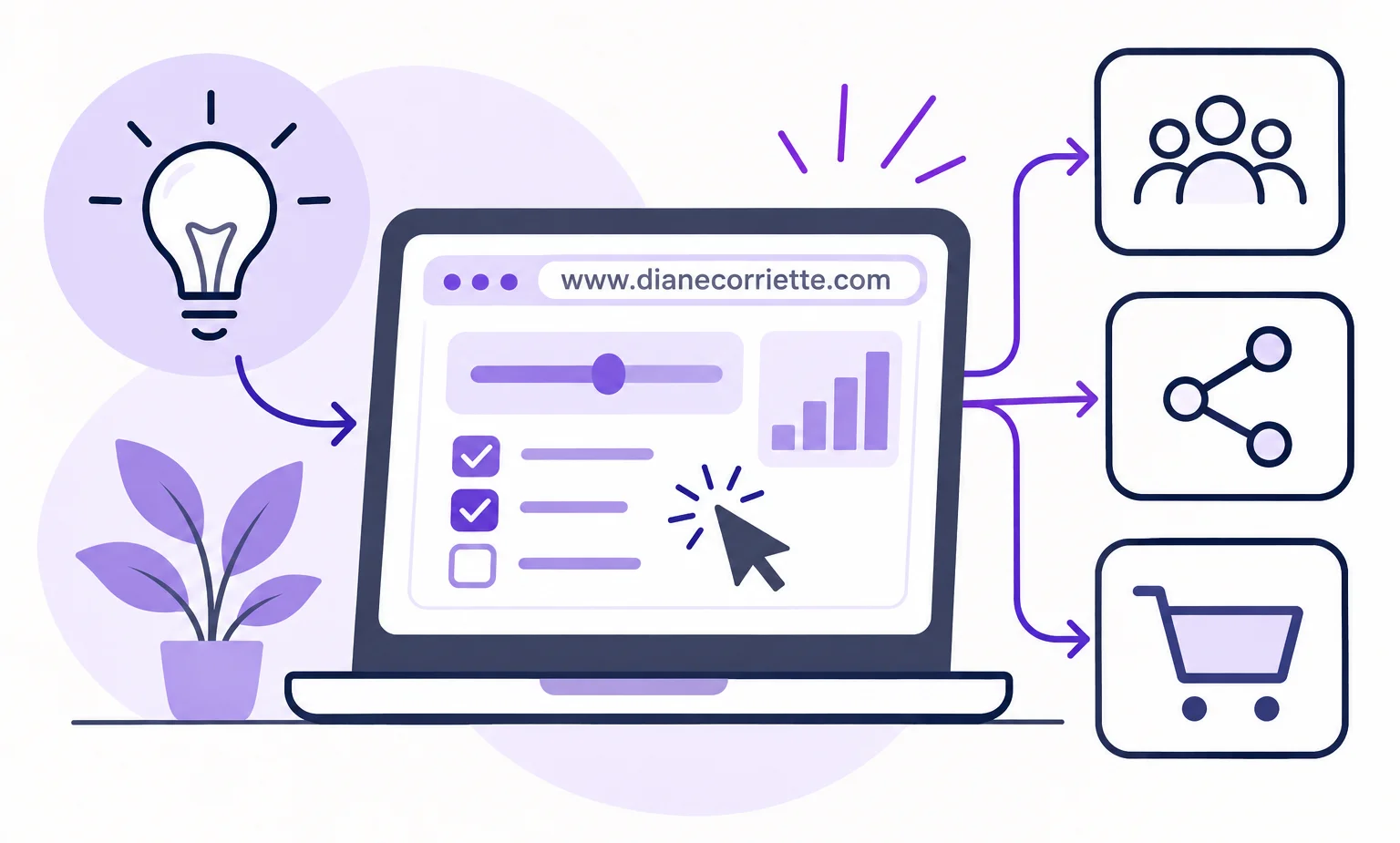
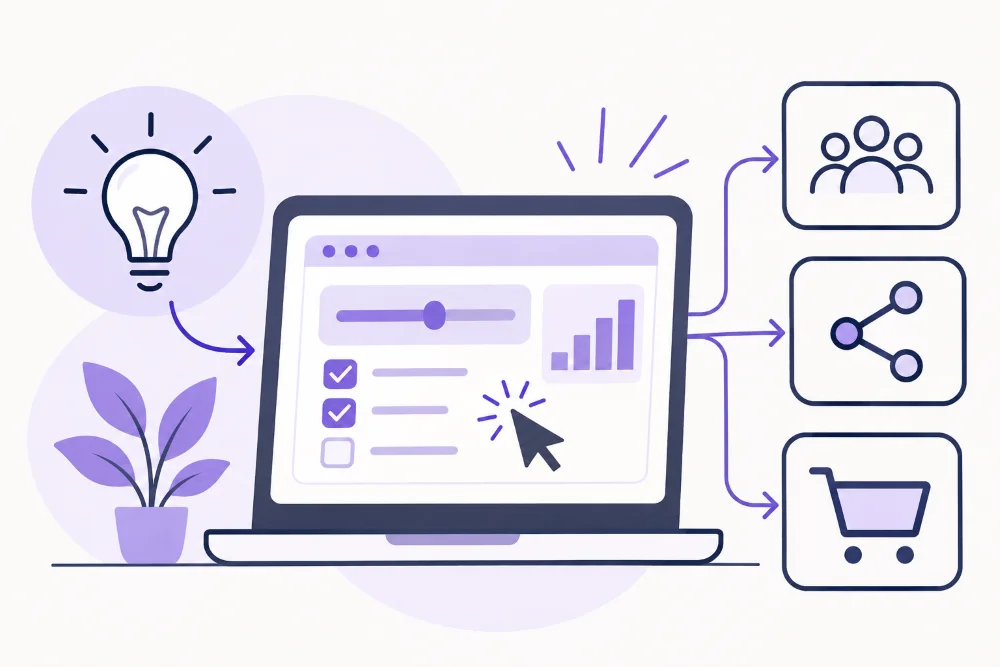
Interactive Content Blocks is a pack of eight blocks you can add to articles, info pages and sales pages: a checklist, a guide, a writing box, a scorecard, a quiz, a version switch, a countdown and a stats bar. Readers' progress is saved on their own device. One purchase covers every site you own and your clients' sites.
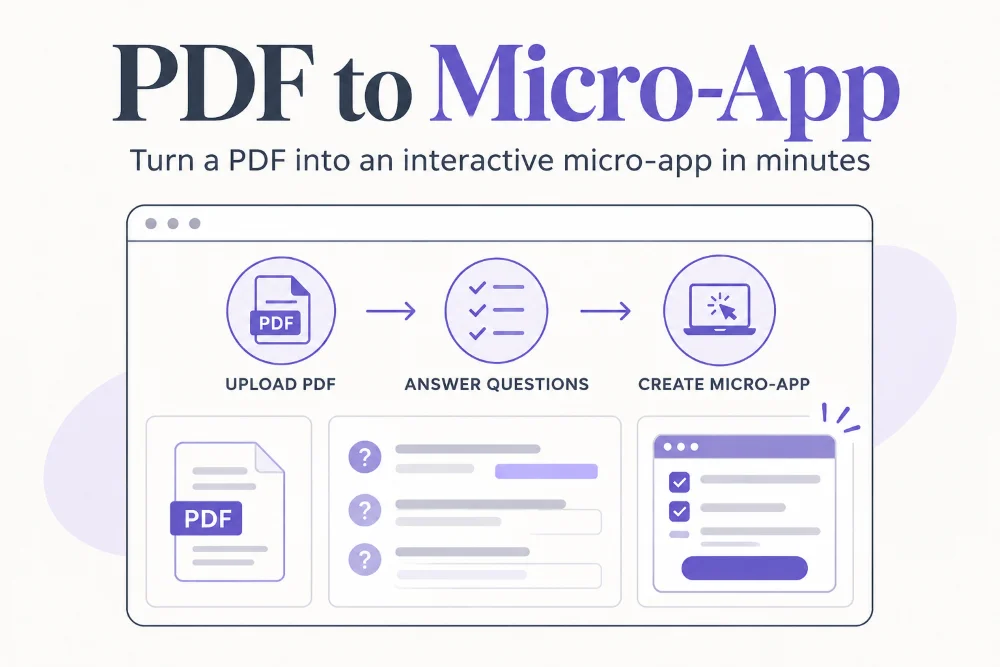
See Interactive Content Blocks →The second product is a free tool, PDF to Micro-App, which turns a PDF or workbook you own into a page people can fill in.
Three ways to make a PDF interactive
- Add interactive blocks to a pageIf your PDF is mostly an article or a guide, put the checklists, writing boxes and quizzes into a web page. Interactive Content Blocks is the pack I made for this.
- Turn the PDF into a micro-app with a toolThe free PDF to Micro-App tool is for a PDF or workbook you own and want people to fill in.
- Build a micro-app yourself with Claude or ChatGPTFollow the step-by-step guide, and read my micro-apps post for how to test, share or sell what you build.
If you sell the result, Djangify's Hosted Tools can keep a paid tool for buyers only. A paid tool is unlocked only by buying a linked product, buyers log in, and the tool stays on your site.
Posts to read next
I Turned My PDF Products Into Interactive Micro-Apps: What I Did and What Went Wrong
What I changed when I turned my PDF products into micro-apps, and what went wrong.
Read more →Micro-Apps: Build, Use, Share and Sell Small Interactive Tools
What a micro-app is, how to build one and how to share or sell it.
Read more →Free PDF to Micro-App Tool: How I Built It and Why It Lives on My Site
A PDF to micro-app app in Django, and the free browser version on my site.
Read more →From Personal Tool to Product: When to Share Your Software
When a tool you made for yourself is ready to share.
Read more →Question
How do I keep a PDF and an interactive version consistent?
Build the interactive page first, then export the same content to a PDF, so you only ever edit one source. When you change a figure or a step, update both on the same day. Put the PDF download inside the interactive page rather than selling it separately, so buyers always know which version is current and never wonder whether they bought the weaker one.
Reflection
- Plain PDFs asked readers to do all the work, and in my experience most did not.
- Interactive pages ask readers to take part, and save what they do on their own device.
- Every paid product on my three product sites started as a PDF and is now something people use on screen.
- Keep a PDF alongside for people who prefer to print or read on a tablet.
Think of the last PDF you downloaded. Did you open it a second time? If you sell PDFs, ask the same question about your own.
Write your answers here
- What was the last PDF you downloaded, and did you open it twice?
- Which of your own PDFs could become something people fill in?
- What is one small step you can take this week?