Most of what I use to run my work is software I run myself, on a server I pay for or on my own computer. I did not start there. I started where most people do, with accounts on other people's platforms, and the longer I built, the more it mattered to me who held the data and who held the customer list.
This post pulls together what I have written on that subject: self-hosting, offline-first and local-first software, and the small tools I have built to run my own business that way. It also covers when owning everything is more work than it is worth.
- Owning your data means you can take a full copy and move it. Owning your customers means the email list and the sales records sit with you.
- Self-hosting trades a monthly subscription for your own time and a small server bill.
- Offline-first and local-first software keeps your data on your own device, which helps with privacy and control.
- Cloud tools are still the right choice for some jobs.
- You can start small: one tool you run yourself is enough to learn how it feels.
- Customer data you hold comes with duties under UK law, such as a privacy notice and consent for marketing emails.
What owning your data and your customers means
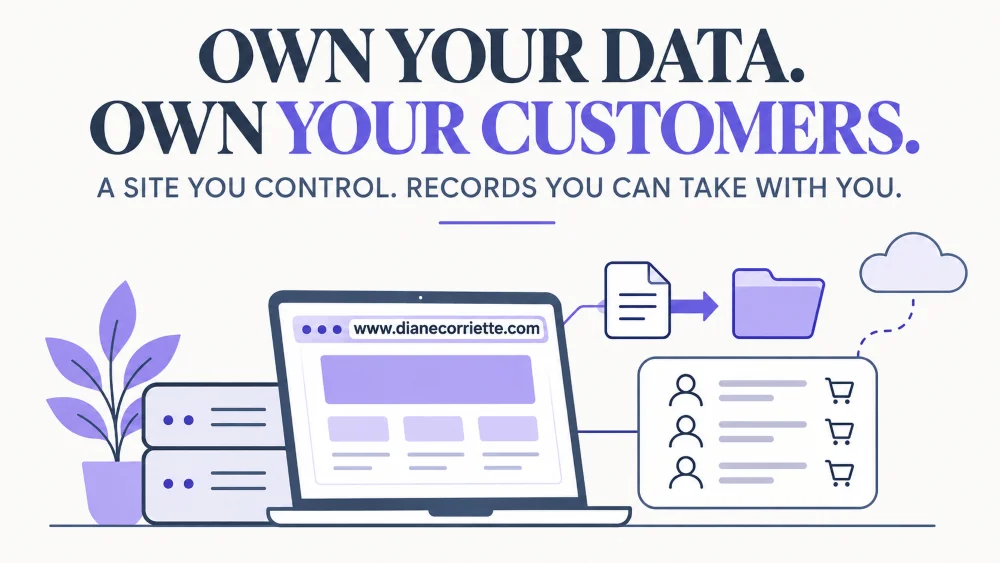
Owning your data means your records live somewhere you control, in a form you can export and move. Owning your customers means the people who buy from you are on your list and in your records, not only on a platform that could change its rules or its fees.
In practice that comes down to a few choices:
- Running a tool on your own server instead of renting access to someone else's (self-hosting)
- Keeping your files and records on your own device, with sync as a choice you make (local-first)
- Using software that works fully without an internet connection (offline-first)
- Keeping your customer list and sales records in a system you can export
Rented tools
- Quick to start
- Monthly fee that can change
- Your records sit on their servers
- Features and access are theirs to change
Tools you run yourself
- More setup at the start
- A server bill instead of a subscription per tool
- Your records sit where you put them
- You decide when and whether to change anything
What to own, and how to check you own it
It is easy to say you own your data and harder to know it. The test is the same for every row below: export it, open it without the tool that made it, and see what is missing. Do this before you need it, not after a platform changes its rules or closes your account.
| What | Where it should live | How to check |
|---|---|---|
| Customer list | In your own site's customer records, or in an email tool that lets you export everyone | Export the full list as a file and open it in a spreadsheet. Check the number of people matches what the tool shows, and that the columns you rely on are there. |
| Sales and order records | In your shop's own records, not only in a payment company's dashboard | Export one month of orders and compare the totals with your bank or payment statement. |
| Invoices and bookkeeping | In a tool you run yourself, or in files on a device you control | Open one old invoice from the exported file alone, with the tool that made it closed. |
| Site content | In your own database or files, so posts, pages and product descriptions are yours to move | Take a full copy and ask whether you could rebuild the site somewhere else from it. |
| Files customers have bought | Somewhere you control, with a backup | Restore one file from your backup into a test folder and open it. |
If a row fails the check, you have found your first small job. Fix that one before you add anything new. My post on getting started with self-hosting covers backups and the basic setup.
Customer data you hold: what UK law asks of you
Owning your customer list also means looking after it. If you sell to people in the UK, the ICO (the Information Commissioner's Office) sets out what it expects. These are the three points small sellers most often need.
- Tell people what you do with their data. The ICO says a privacy notice should give your contact details, the types of personal data you collect, why you hold it and your lawful basis, who you share it with and how long you keep it, along with people's rights and how to complain. Its guide to writing a privacy notice has the full list.
- Be ready to give people a copy of their data. People can ask for a copy of the personal information you hold about them, verbally or in writing. The ICO says you must respond without undue delay and within one month, that the time can be extended by up to two further months if the request is complex, and that in most cases you cannot charge a fee. Records you can search and export from one place make this much easier. The ICO's guide to subject access explains how.
- Check you may email people before you market to them. The ICO says you must not send marketing emails to individuals without their specific consent. There is a limited exception for your own previous customers, often called the soft opt-in, and it needs a simple way to opt out when you collect their details and in every message you send. The ICO's page on electronic mail marketing sets out the rules.
This is general information for UK sellers and not legal advice. The ICO has said some of its guidance is under review after the Data (Use and Access) Act, so check the pages above for the current wording before you rely on them.
Why it matters to me
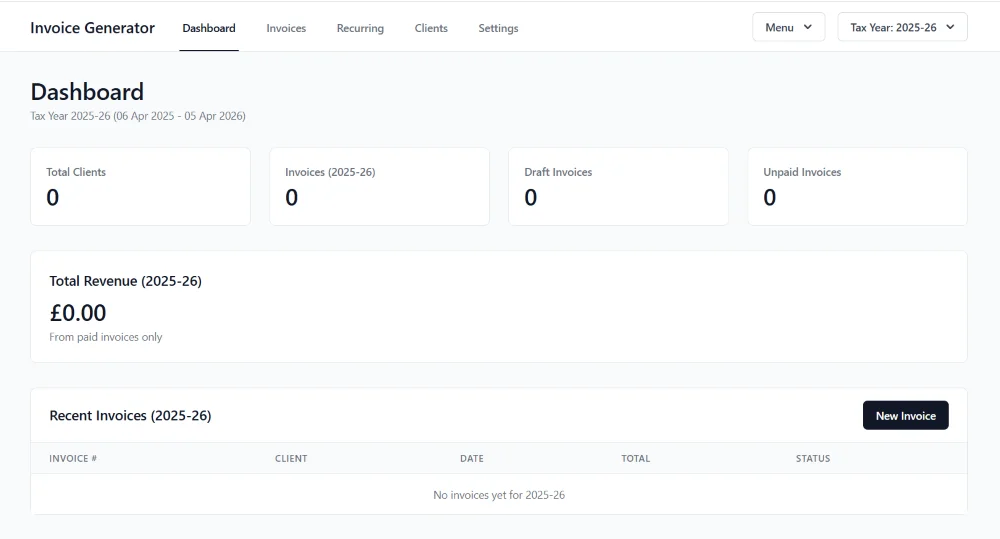
I am a one-person business. I would rather know where my invoices, my bookkeeping and my customer messages are stored than hope a company keeps its prices and rules the same. That is the reason I built Desk Ledger and Invoice Generator for myself, and it is why my sites run on software I can move.
I still use cloud tools where they are the better fit. Self-hosting is not worth the trouble for every job.
Where to start
These three posts take you from the idea to a first setup. Read them in this order.
What Are Self-Hosted Tools?
What self-hosted tools are, real examples, the benefits and the trade-offs.
Read more →Local-First vs Cloud-First: Key Differences
The two approaches compared in plain terms, with a table of differences.
Read more →Getting Started with Self-Hosting: A Practical Guide
What you need, VPS or local server, the basic stack and security basics.
Read more →Run your own site
Owning your customers is not only about the list. It also covers what they do on your site and what is kept about it. Djangify's Hosted Tools, which I use for the free tools on this site, show one way to do that:
- Only buyers can use a paid tool. A paid tool is unlocked only by buying the linked product, and buyers log in to use it.
- Saved answers are private. If you switch it on for a tool, logged-in customers can save their results to their own dashboard, and those results are private to each customer.
- You see use, not content. The admin tools dashboard counts starts, saves, prints and completions but never records what anyone typed.
- The tool stays on your site. Paid tool files are stored privately and open only through the tool page. A buyer's downloads are the PDFs or files attached to the product, or their own answers.
The details are in Hosted Tools: Free and Paid Interactive Tools. If you want to build a micro-app for your own site, start with Micro-Apps: Build, Use, Share and Sell Small Interactive Tools.
Publish Your Own Site on Software You Control
Djangify, an ecommerce builder for digital products, is the tool I built for my own businesses. You can run it managed, or self-hosted on your own server, and take a full copy of your site whenever you want.
See Djangify →More from this series
These posts go deeper on the ideas above. The first group covers owning your tools and your data. The second covers the products and customer tools I run on my own site.
Tools You Can Run Yourself
A closer look at the categories of tools people run themselves.
Read more →The Benefits of Self-Hosting for Small Businesses
Why self-hosting can suit a small business.
Read more →What Is Offline-First Software?
What offline-first software is and how it differs from cloud tools.
Read more →Why Offline-First Matters for Privacy and Control
How keeping data on your own device helps with privacy and control.
Read more →When Offline-First Is the Right Choice
When offline-first software is the right fit, and when it is not.
Read more →Understanding Local-First Sync
How syncing works when your data lives on your own device first.
Read more →Building Offline Apps with Python and Django
Building offline apps with Python and Django.
Read more →Why I Am Adding Local-First Development
Why this shift fits alongside my existing Django work.
Read more →Introducing Invoice Generator: An Open-Source Invoicing Tool
The invoicing tool I built for myself and shared as open source.
Read more →Micro-Apps: Build, Use, Share and Sell Small Interactive Tools
What micro-apps are and how to build, share and sell them.
Read more →Free PDF to Micro-App Tool: How I Built It and Why It Lives on My Site
The free tool that turns a PDF into a micro-app, and why it lives on my site.
Read more →I Turned My PDF Products Into Interactive Micro-Apps: What I Did and What Went Wrong
What I changed when I turned my PDF products into micro-apps, and what went wrong.
Read more →Why Plain PDFs Stopped Selling and What I'm Building Instead
Why plain PDFs stopped selling for me and what I am building instead.
Read more →Questions
Do I need to know how to code to run my own tools?
No, but you do need to be comfortable following written steps carefully. Copying a command, keeping your login details safe and reading an error message are the real skills. Ask an AI assistant to explain each step before you run it. A desktop tool that runs on your own computer, with no server to set up, is the gentlest first project.
What is the difference between local-first and cloud-first?
With cloud-first software the working copy lives on the company's servers, so you need their service and an internet connection to reach it. With local-first software the working copy lives on your device and opens without a connection, and syncing to other devices is optional. The trade-off is that backups become your job, so decide where your copies go.
Can I move my existing site or customers to something I own?
Usually, but test before you commit. Look for a full export, ideally a file you can open yourself, then import a small sample into the new tool and check nothing is missing. Keep the old account running until you are sure. If you hold customer email addresses, check that your privacy notice covers moving them.
Reflection
- Owning your data means you can export it and move it. Owning your customers means the list and the sales records are yours.
- Self-hosting and local-first software trade convenience for control, and the trade is not right for every job.
- Test what you own by exporting it and opening it without the original tool.
- Holding customer data means a privacy notice, a way to give people a copy of their data and consent for marketing emails.
- Start with one tool you run yourself and see how it feels before moving more.
Think about the three tools your work would stop without. Where does the data in each one live, and could you take a full copy today?
Write your answers here
- Which three tools would your work stop without?
- Could you take a full copy of the data in each one today?
- What is one small step you can take this week?